

Your passwords. Your device. Your rules.
Encrypted on your phone. Never uploaded, never synced, never sold. No account required.
- AES-256GCM
- Argon2idKDF
- 0servers
Nothing leaves your phone.
Your master password derives the key that encrypts everything — on device, every time. There is no MonoVault account because there is no MonoVault server.
- Argon2id key derivation
- AES-256-GCM authenticated encryption
- Fingerprint or face unlock, keystore-backed
- Clipboard that wipes itself
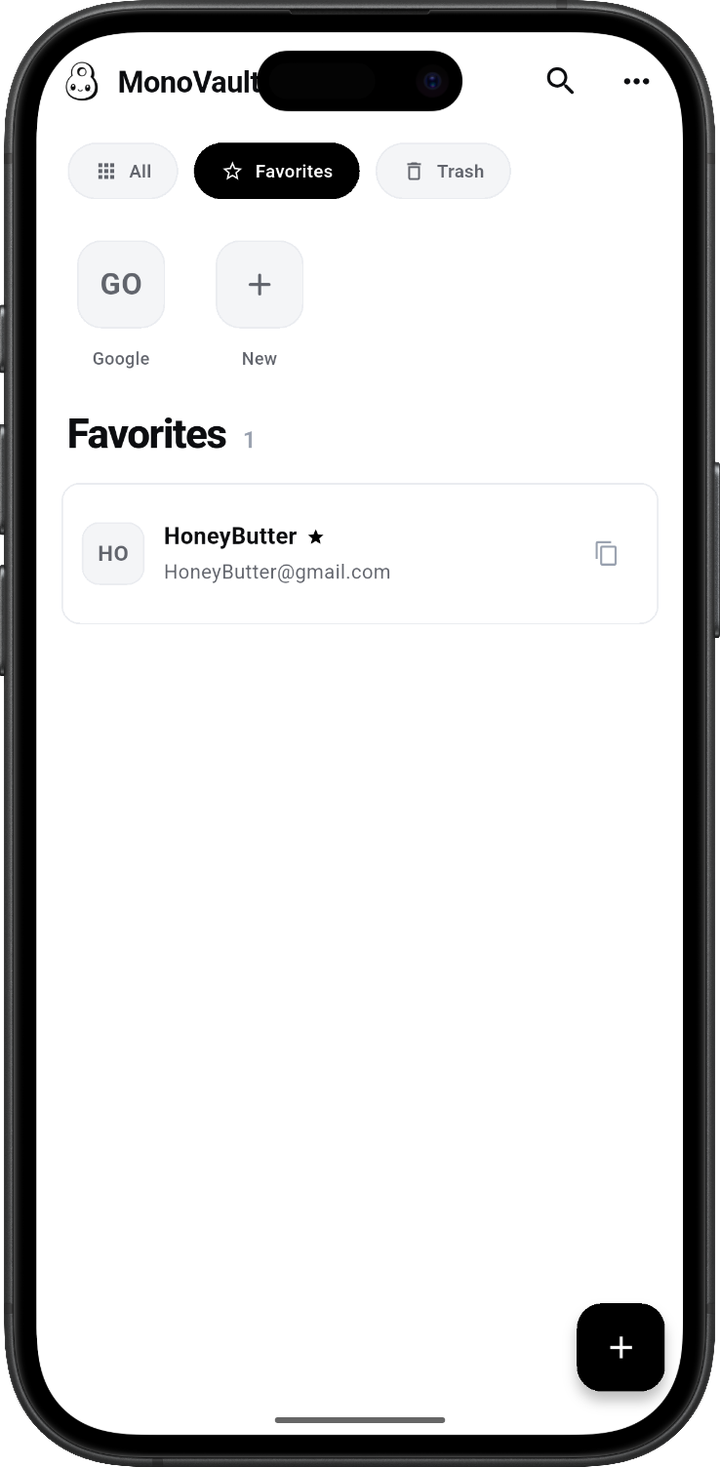
Everything in its place.
File accounts into groups, give each one a photo, and find what you need at a glance. Filter by favourites, tags, or search the lot.
- Groups with custom photos
- Tags, favourites, and trash
- Search across every field
- Sort your way
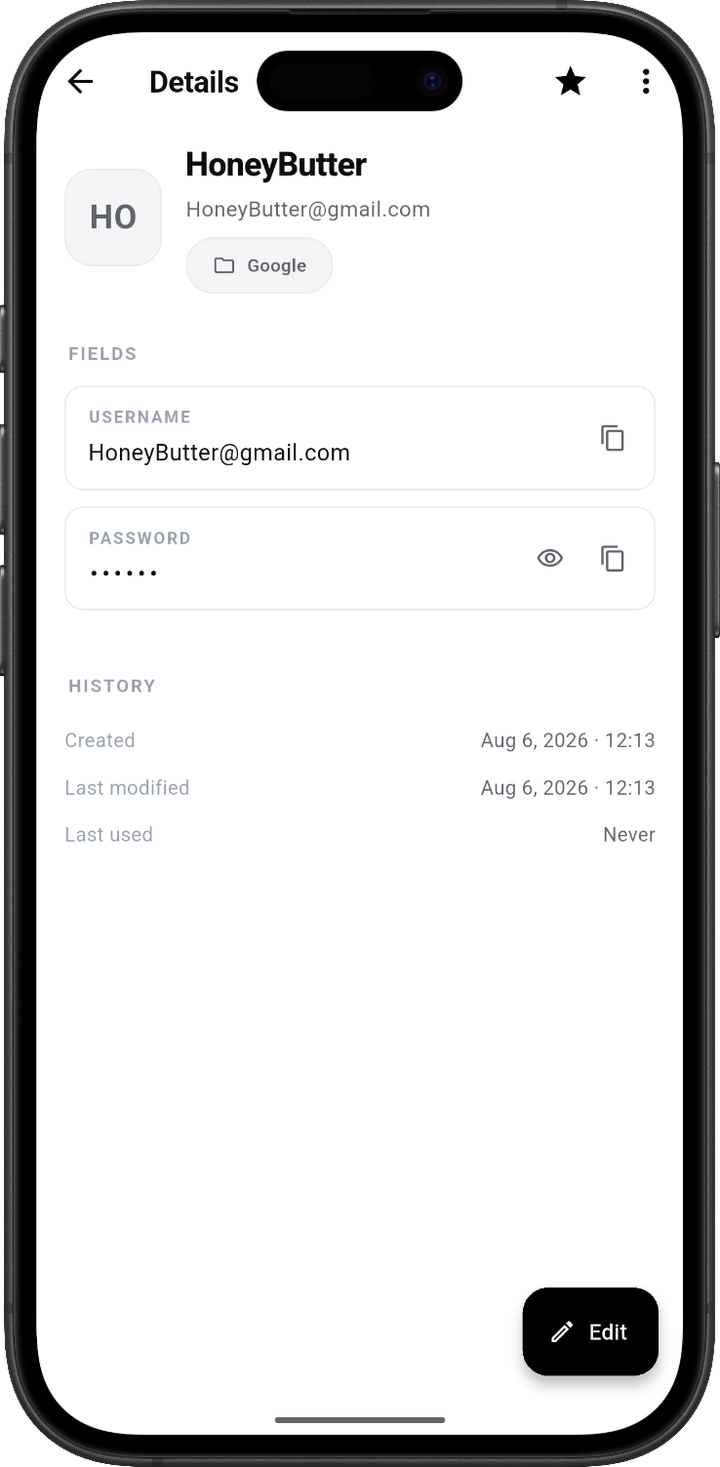
Store more than a password.
Add any field you like, rename it, mask it, reorder it. Recovery codes, security answers, licence keys — all in one entry.
- Custom, reorderable fields
- Mask anything sensitive
- One-tap copy with auto-clear
- Built-in strong generator
Seed phrases, kept offline.
A wallet recovery phrase is the one secret you can never reset. Add it as a Recovery / seed phrase field and it is hidden by default, laid out over several lines, and set in a monospaced face so you can check every word against your device.
- Masked the moment you create it
- 12 or 24 words, on multiple lines
- Monospaced, so 0 and O never blur
- Encrypted with the rest of your vault
No internet permission means the phrase cannot leave the phone, whatever anyone claims about the app.
- abandon
- ability
- able
- about
- above
- absent
- absorb
- abstract
- absurd
- abuse
- access
- accident
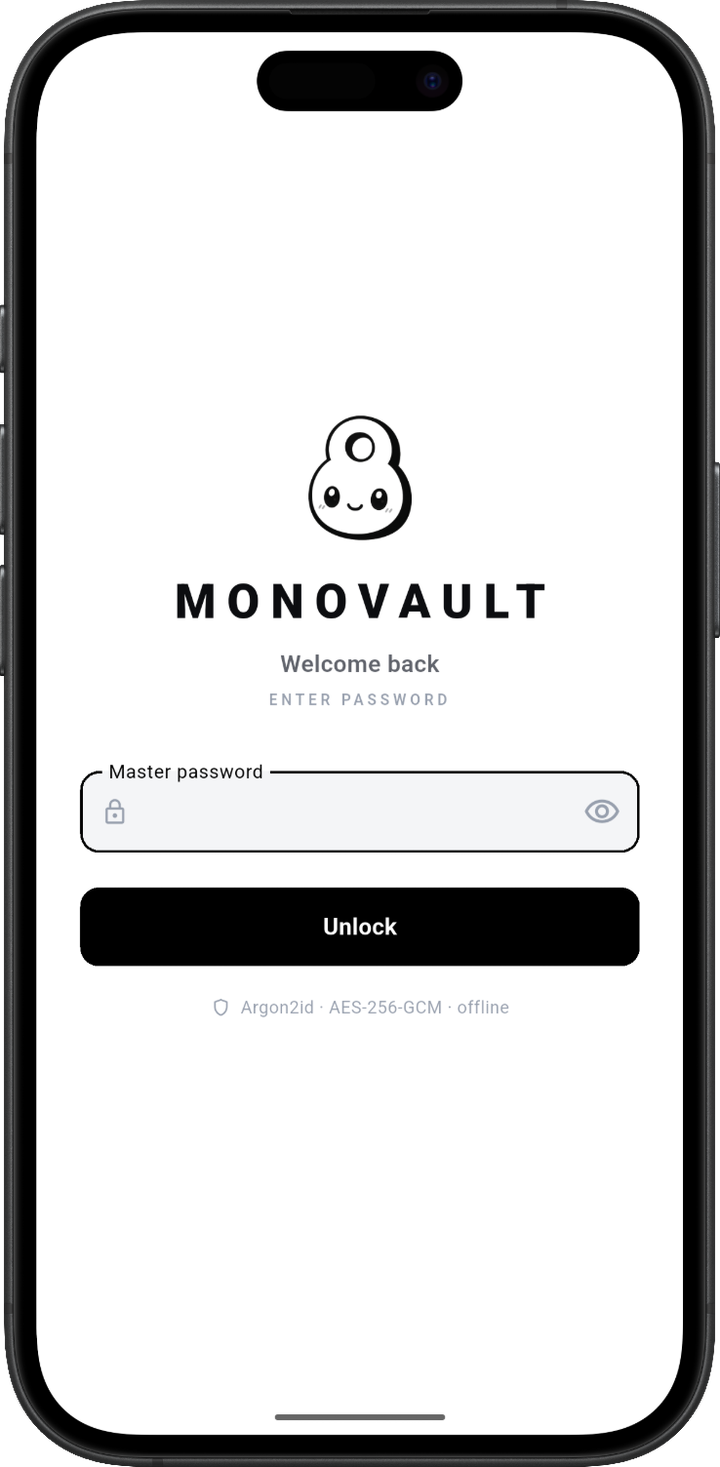
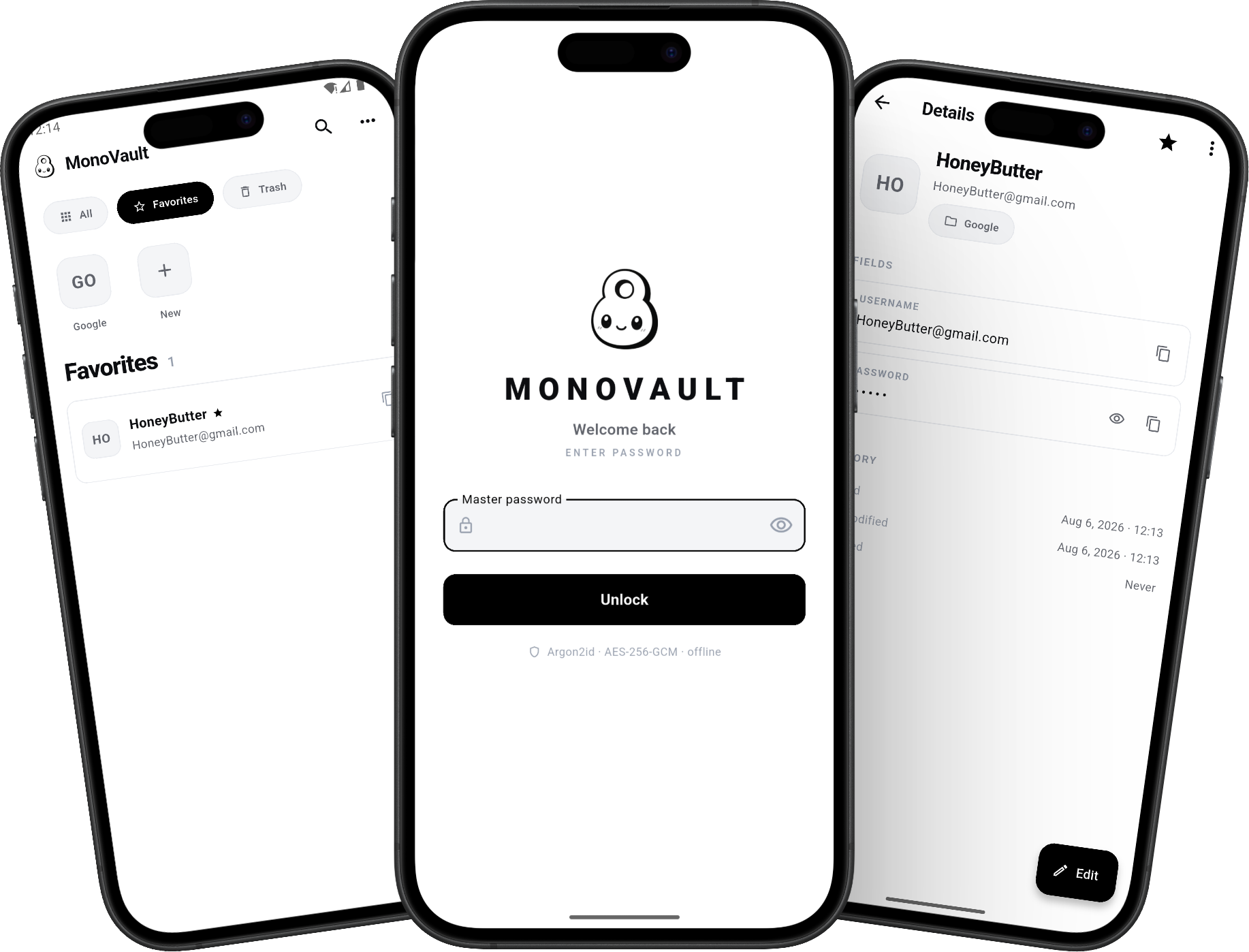
Locked, listed, opened.
Unlock with your master password, land straight on your entries, and open the one you came for. Three screens is the entire app — there is no account to make, no sync to configure, and nothing to switch on before it protects anything.
One trade-off, stated plainly.
Because nothing is uploaded, nobody — including us — can reset your master password. Forget it and the vault stays closed. That is the cost of real privacy, and we would rather you knew now.
Take your passwords back.
Free. Offline. Yours.
MonoVault.apk · ~19 MB · Android 7.0+ · You may need to allow installs from unknown sources.